Workshop: build the Solstice theme
In half a day you turn the starter template into Solstice, a branded theme for an outdoor-gear shop. A theme is a Vue 3 project that gives your advisor (your product finder) its own look and behaviour. You build it on your own advisor, then upload it and apply it in Experience Designer. Conversation Studio calls an advisor an assistant; this workshop says advisor.
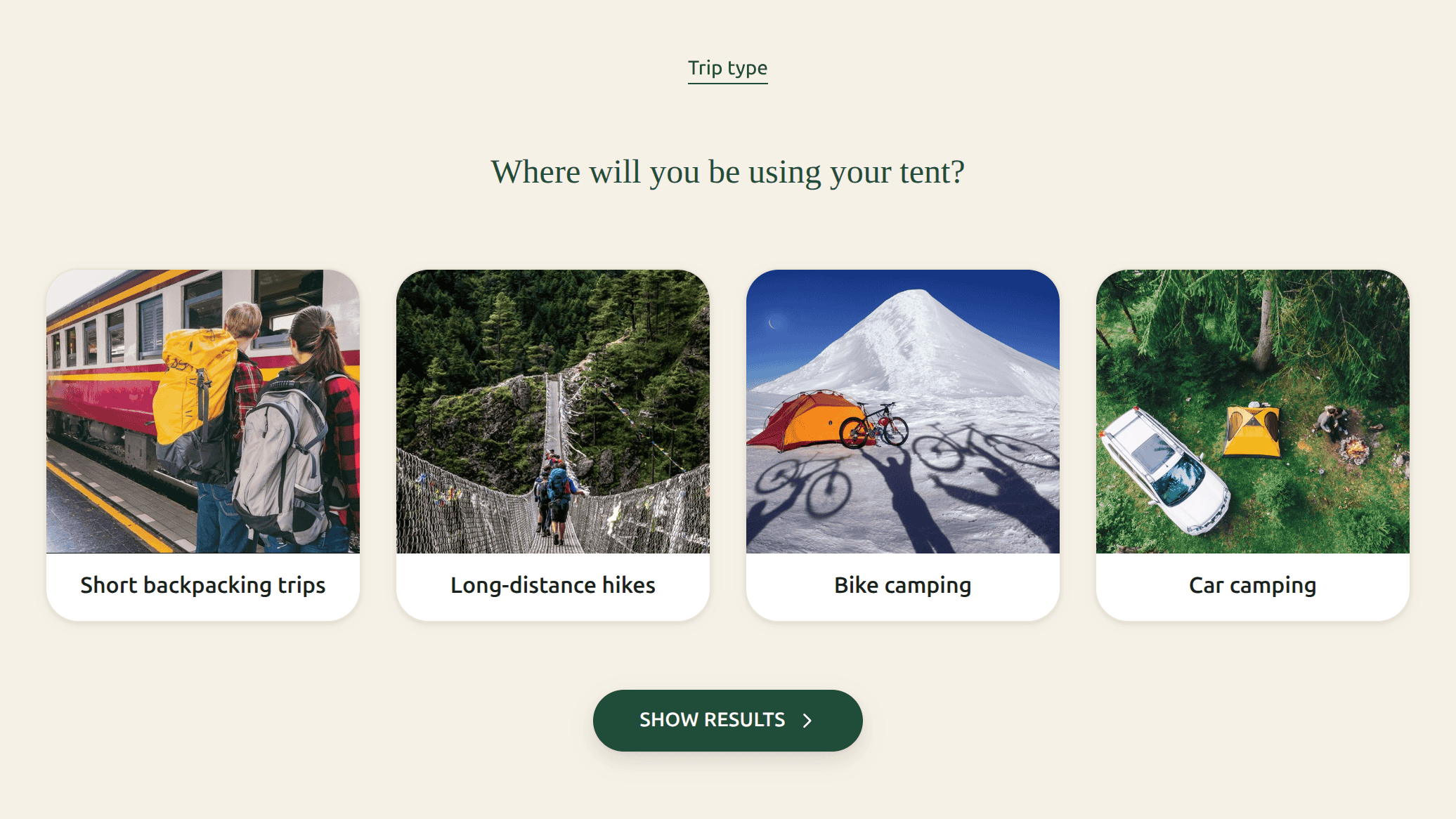
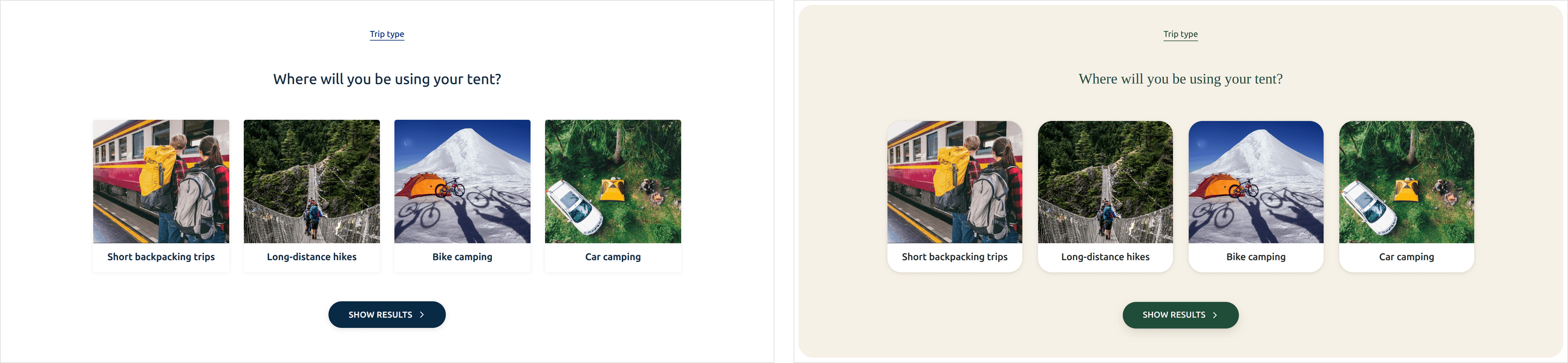
What you'll build
You start from the template's plain look and finish with Solstice: warm sand, one pine-green accent, serif headlines.
What you need
- A Zoovu account that can open your advisor in Experience Designer.
- A Discovery Assistant of your own that ends in a results page with products. Before the workshop says how to get it ready.
- Node.js, Yarn 1 and git. Step 1 checks them.
- A code editor and an internet connection.
An AI coding assistant, such as Claude Code, is optional. Where it helps, a step has two tabs: By hand and With an AI assistant. Both lead to the same result.
Before the workshop
Get your advisor ready. The workshop needs one that shows product cards at the end.
- Sign in to the Zoovu platform and open Conversation Studio.
- Create a Discovery Assistant, or open one you already have. On the dashboard, click + on the Assistants card, pick Discovery Assistant, click Next, give it a name and click Create. This workshop needs its Results Page step. See Discovery Assistant.
- Connect a product catalog. In the left navigation, click Catalog, then Link a catalog. Tick your catalog and click Link to the assistant. See Connect Data Platform.
- In Flow, click Add > Results Page. Click the Results Page node, then the cart icon next to it. Click + > Top product & recommendations, and pick your catalog under Choose a catalog. See Results pages.
- Add at least one single-choice question with Add > Question, and drag it from the Question bank onto the canvas. Answers with images look best. The house icon marks the starting question; if it sits on Results Page, right-click your first question and click Set as a starting question.
- Send the last question to the results. In its panel, click the Routes icon, the third one at the side, then +, set Go to question to Results Page and click Apply.
- Click Preview, at the top right next to Publish, and answer the questions.
You should now see product cards at the end. For Step 11, have more products than the first results page shows.
The four parts
- Set up (30 min): your advisor running in your theme on your machine, and a first change.
- Brand it (60 min): the Solstice look on the question and results pages.
- Make it yours (55 min): a text you can edit in Experience Designer, and a working Add to cart.
- Ship it (35 min): your theme uploaded and applied to your advisor's draft.
That is three hours of work. With two breaks, plan three and a half.
Each step says how long it takes and what you should see when it is done. When you see something else, look at If something is off at the end of the part.
Four habits
They keep the workshop smooth, and they work on real projects too.
- Keep the development server running, and look at the browser after every change.
- Commit when it works. Small commits are free; losing work is expensive.
- With an AI assistant, read what it wants to change before you accept it.
- When words fail, show the assistant a screenshot.
Do you lead a group through it? See Run this workshop for a group.