Configuration Studio
Configuration Studio lets you build visual configurators where customers customize products or assemble bundles by selecting compatible components.
Configurators can be 2D or 3D. Use them to build product sets like kitchen appliances with matching accessories or configure complete products with specific attachments and features.
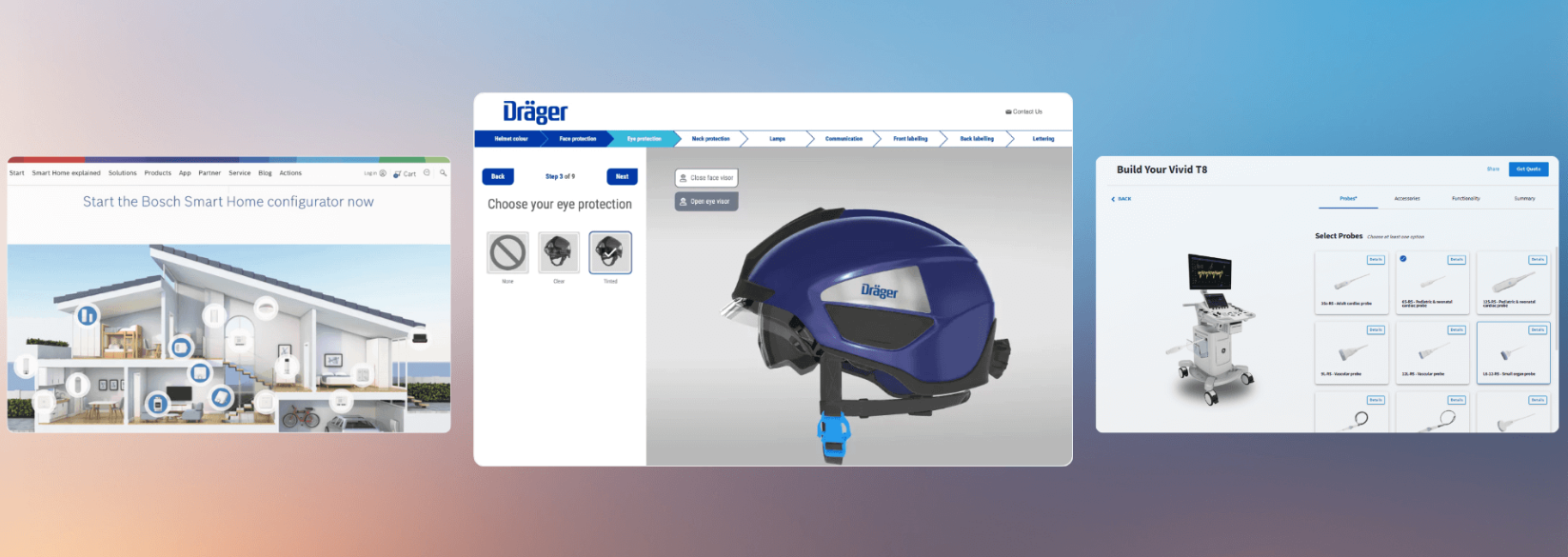
Two ways to deploy:
- Standalone configurators - Build them directly in Configuration Studio for focused product customization.
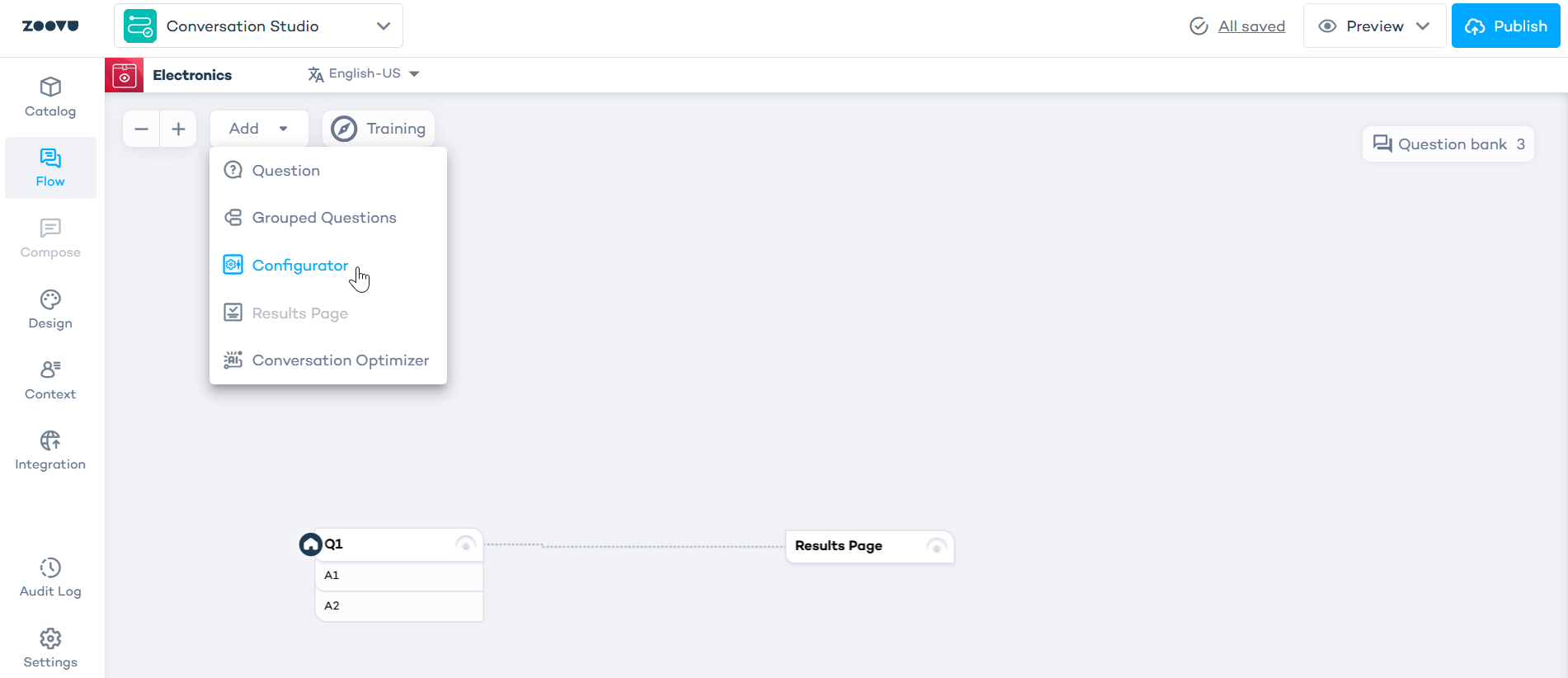
- Configurators in assistants - Add them to new assistants in Conversation Studio for a complete flow: Q&A questions, configurator, and results page with lead generation, bundles, or other outcomes.
To activate Configuration Studio, please contact your Zoovu representative or send a message to the Customer Success Team